Deal Analyzer 2.2: What's New
By Scott Blair ·
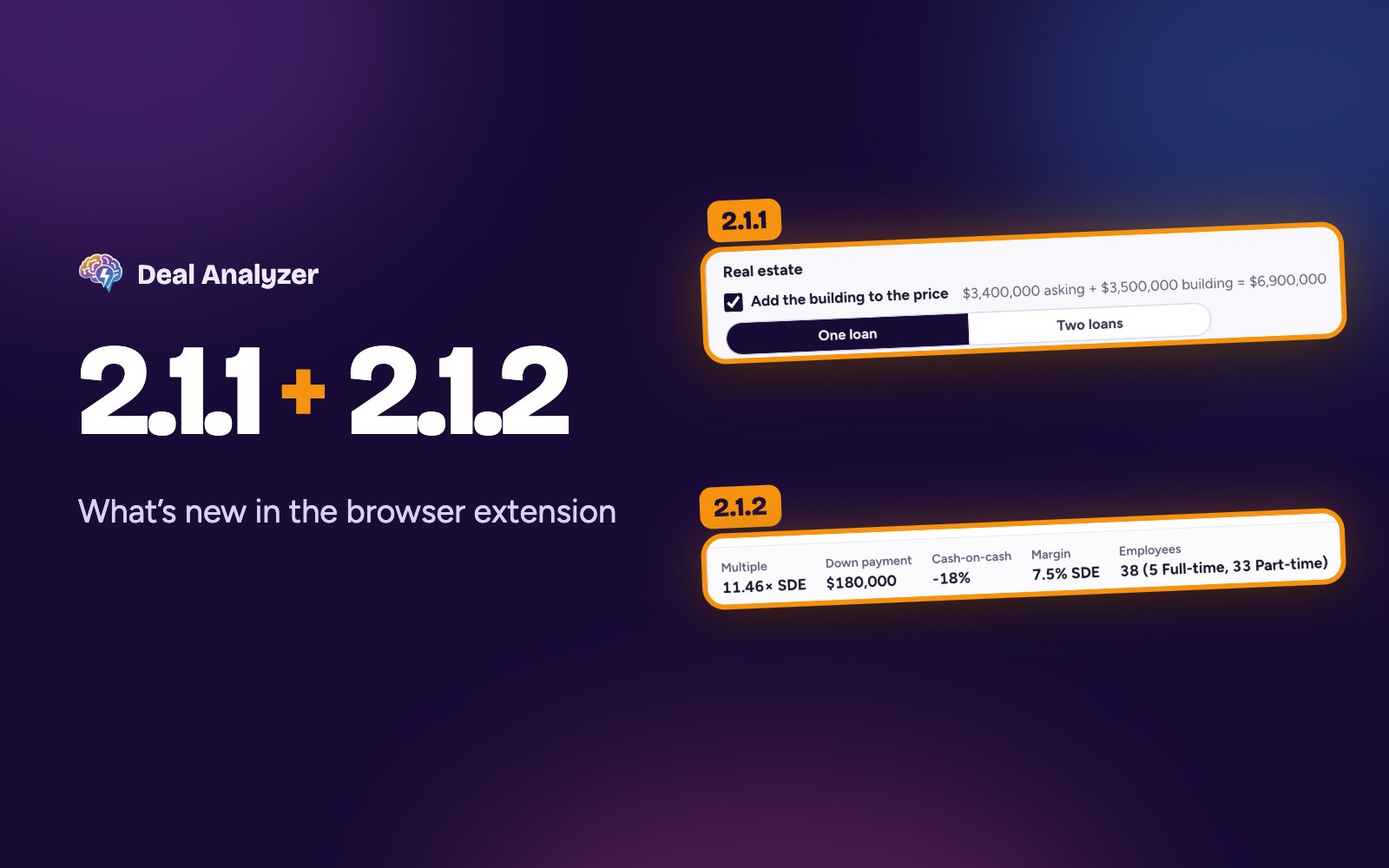
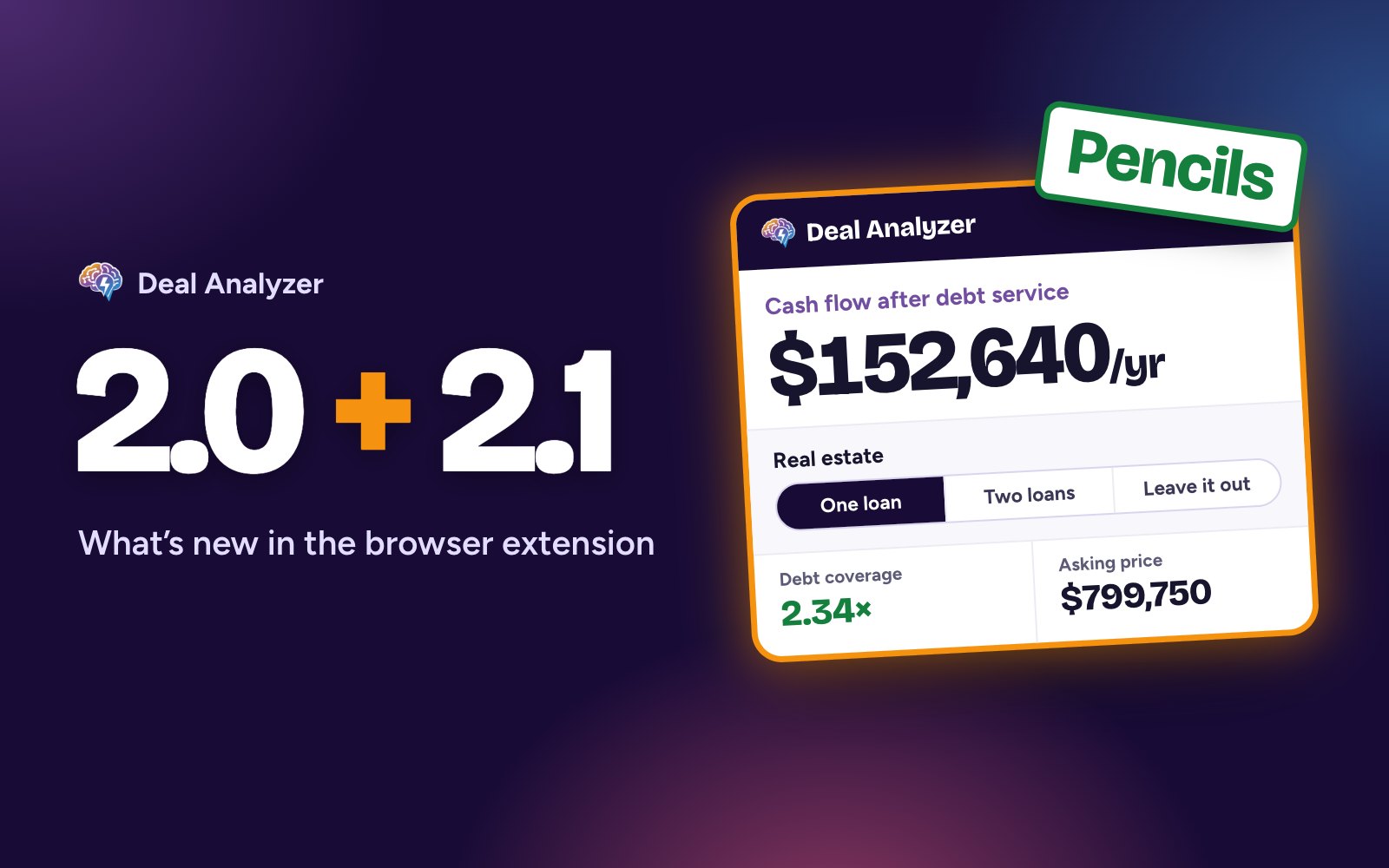
Deal Analyzer 2.2 connects the extension to the Deal Analyzer pipeline, our new web app for tracking every deal you're working on. It also handles all-cash deals and fixes how the numbers card reads and looks on 11 listing sites. Chrome and Firefox now have 2.2.2, which includes everything in 2.2.0 and 2.2.1, and your extension updates on its own. If you missed the last round, here's what's new in 2.1.1 and 2.1.2.
Save to pipeline (closed beta)
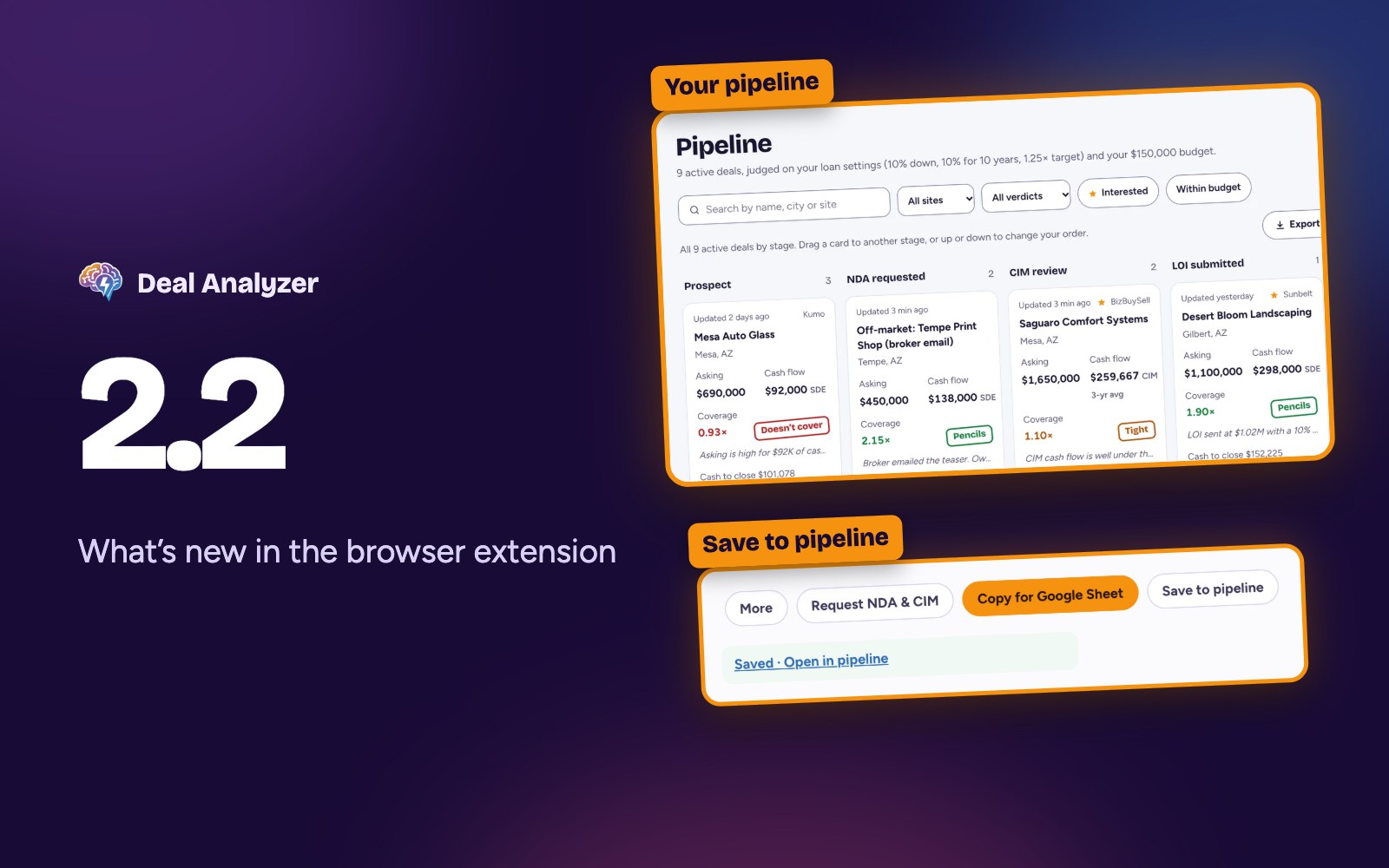
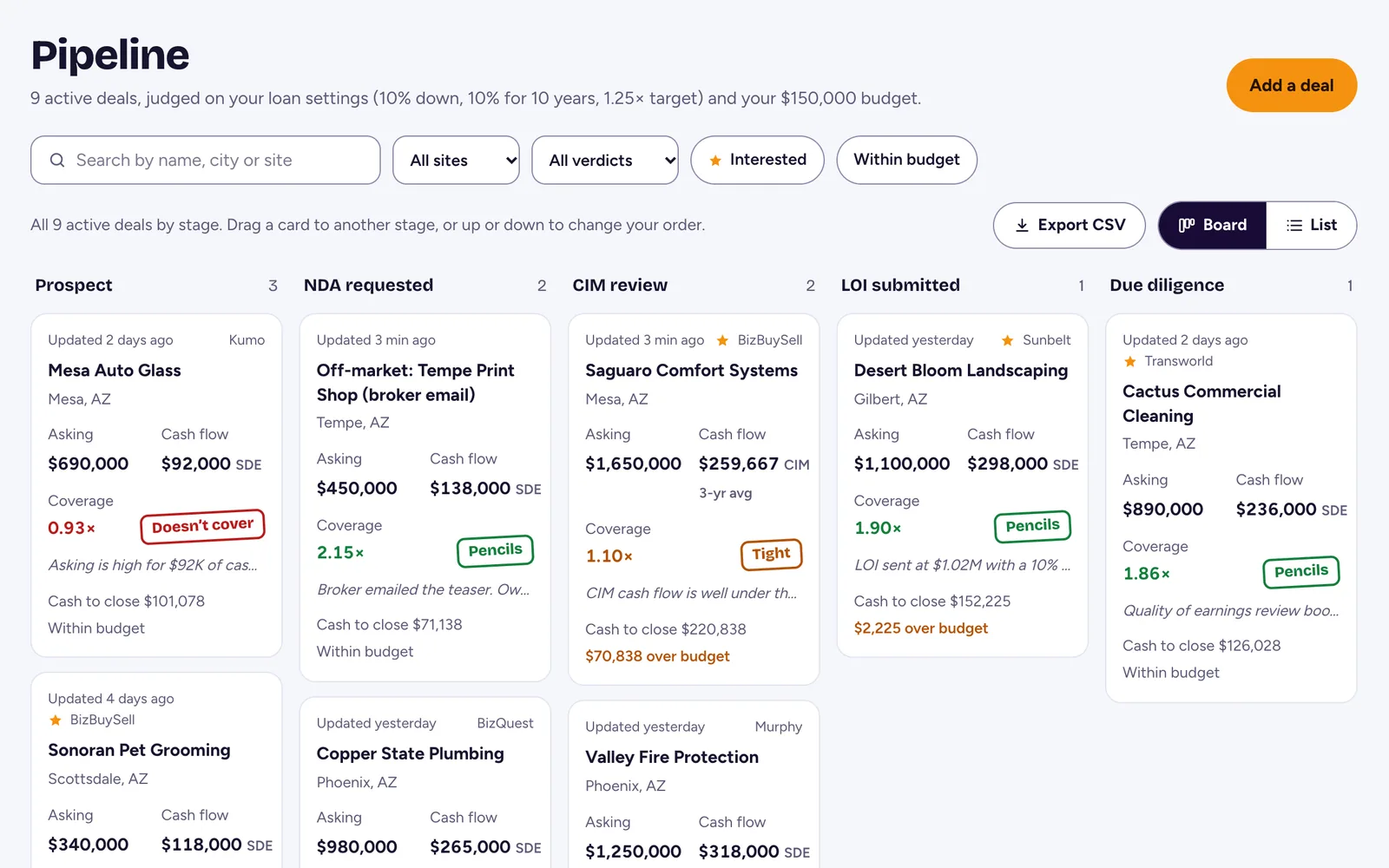
The pipeline at app.dealanalyzer.ai keeps every deal you're tracking on one board, from first look to offer: the listings you save, the off-market deals brokers email you, their CIMs and financials, and the offers you're weighing. It's in a closed beta, and we're letting in subscribers and free-trial users a few at a time.
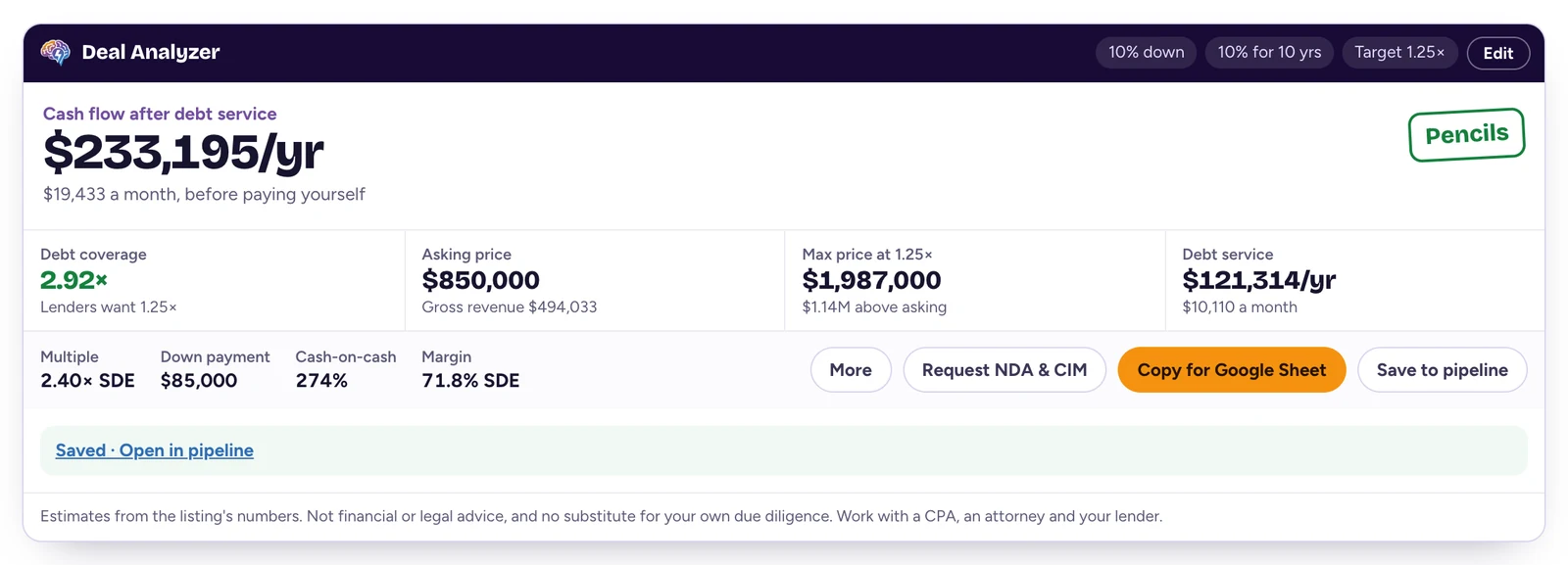
- Save a listing in one click. Once you're in, the numbers card gets a Save to pipeline button next to Copy for Google Sheet. The deal goes to your board with the listing's numbers, its link and your loan settings, and the card says Saved with a link to open it.
- Save it again to update it. Saving the same listing later updates the deal you already have instead of adding a second one.
- Connect each browser once. The first time you save, the card asks you to connect the browser. Press Connect and it shows a short code. Type the code at app.dealanalyzer.ai/connect while you're signed in, then press Save to pipeline again. This one-time step makes sure only you can save to your pipeline.
- Your loan settings stay in step. Once a browser is connected, your down payment, rate, term, coverage target and the rest of your settings sync between the extension and the app, so every deal is judged the same way in both places. The toolbar popup says when your settings are syncing.
- Tell us what's missing. While you're in the beta, the popup has a link to report a bug or request a feature. We read every one.
Not in yet? The toolbar popup has a link to join the waitlist, or you can join it on the pipeline page. The pipeline is included in your Deal Analyzer subscription. Subscribe before the public release to keep $19/month. After the public release, new subscriptions start at $35/month.
Your deals and settings go to the pipeline only after you connect a browser: your settings sync from then on, and a deal goes when you press Save. Until then, your settings stay in your browser, as before. Our privacy policy explains what the pipeline keeps and for how long.
All-cash deals
Set your down payment to 100% and the card now works the deal out with nothing financed. Before 2.2, a listing at 100% down could stop the card partway, and a page of search results could load blank. Now debt coverage shows No loan, the max price shows No limit and debt service is $0. On a listing without a cash flow figure, the business only has to break even.
Fixes on 11 listing sites
- BizBuySell: short cards in Verdict view no longer scroll inside themselves, and a franchise's price stays at the top of its search result.
- BizQuest: listings that put their cash flow behind View Profit count as hidden cash flow, not "No cash flow listed", and NDA requests greet the broker by name again.
- Transworld: NDA requests include the broker's name even when the page shows it late.
- BizScout: the card reads BizScout's redesigned listing page, not the first similar listing under it, and Deal Box pages show the numbers strip in list view.
- Acquire.com: no sort toolbar inside Browse's carousels, Browse tiles get a compact chip, and the multiple is labeled TTM profit, the figure Acquire lists, instead of SDE.
- Sunbelt: the sort toolbar shows on every page of results, not just the first.
- Kumo: Kumo's estimates are no longer used as cash flow in its table, and the deal card uses Kumo's exact figures, not its rounded ones.
- BusinessBroker.net: a franchise's minimum cash required is no longer read as its asking price.
- DealStream: the listings under More Listings Like This now get a tile too.
- First Choice Business Brokers: each search result's tile no longer hides under View Details. FCBB's NDA form has no message box, so Request NDA & CIM fills in your details and copies the request for you to paste, with the broker's name in the greeting.
- HedgeStone: the tiles in each row of search results line up.
Smaller changes
- The card's Edit fields say what each one takes. A value outside that range, including a negative number, is refused, and the setting you had stays. The boxes stay lined up when one shows a message.
- The toolbar popup does the same: leave a field with a value it can't take, and it says what the field takes.
- Coverage just under a line is no longer rounded up to it. A deal at 1.2467× shows 1.24×, so it never looks like it clears your 1.25× target when it doesn't.
- With Leave it out chosen for a building, More no longer shows a tax deduction for the building you'd lease.
- The sort toolbar is readable on sites with dark pages.
- One listing the extension can't read no longer stops the rest of a results page.
- Narrow tiles wrap their numbers onto a second line instead of overlapping.
- On sites that change pages without reloading, the card goes away when you leave a listing.
How to get the update
Chrome, Edge, Brave, Dia and Opera update extensions from the Chrome Web Store on their own, and Firefox updates from Firefox Add-ons, usually within a day or two of a new version being approved. The version number shows in the header of the toolbar popup. New to Deal Analyzer? Add it from the Chrome Web Store or Firefox Add-ons.
Questions, or something not working? Email support@dealanalyzer.ai.
Deal Analyzer helps you run the numbers. It doesn't replace your own due diligence, and it isn't financial or legal advice. Work with a CPA, an attorney and your lender before you make an offer.